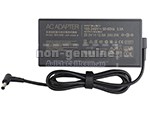
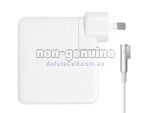
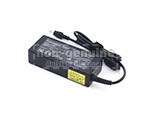
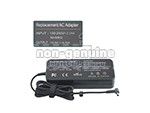
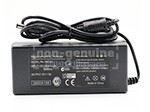
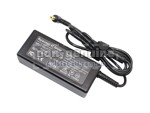
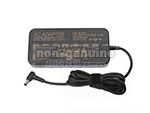
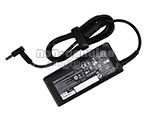
Brand New Replacement Adapter Asus C204EE 65W, USB Type-C
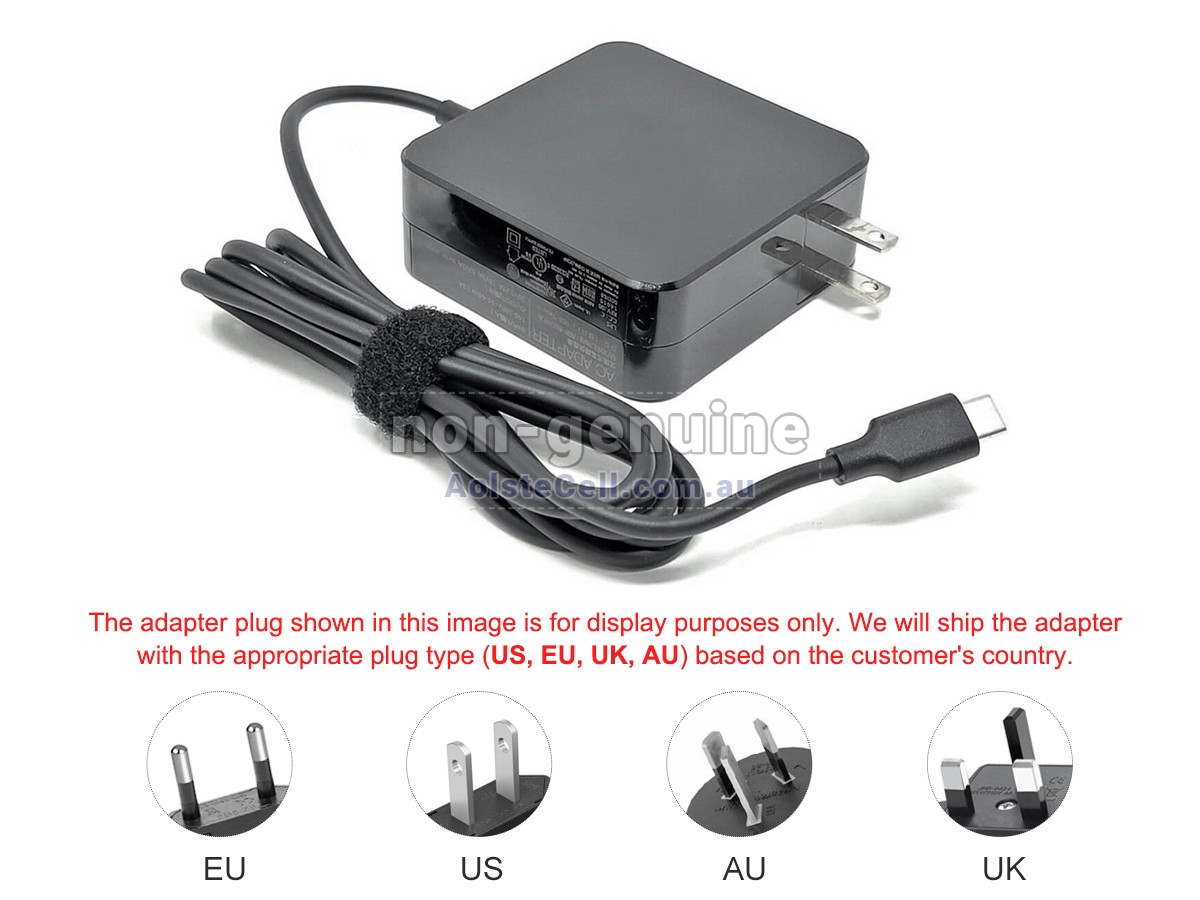
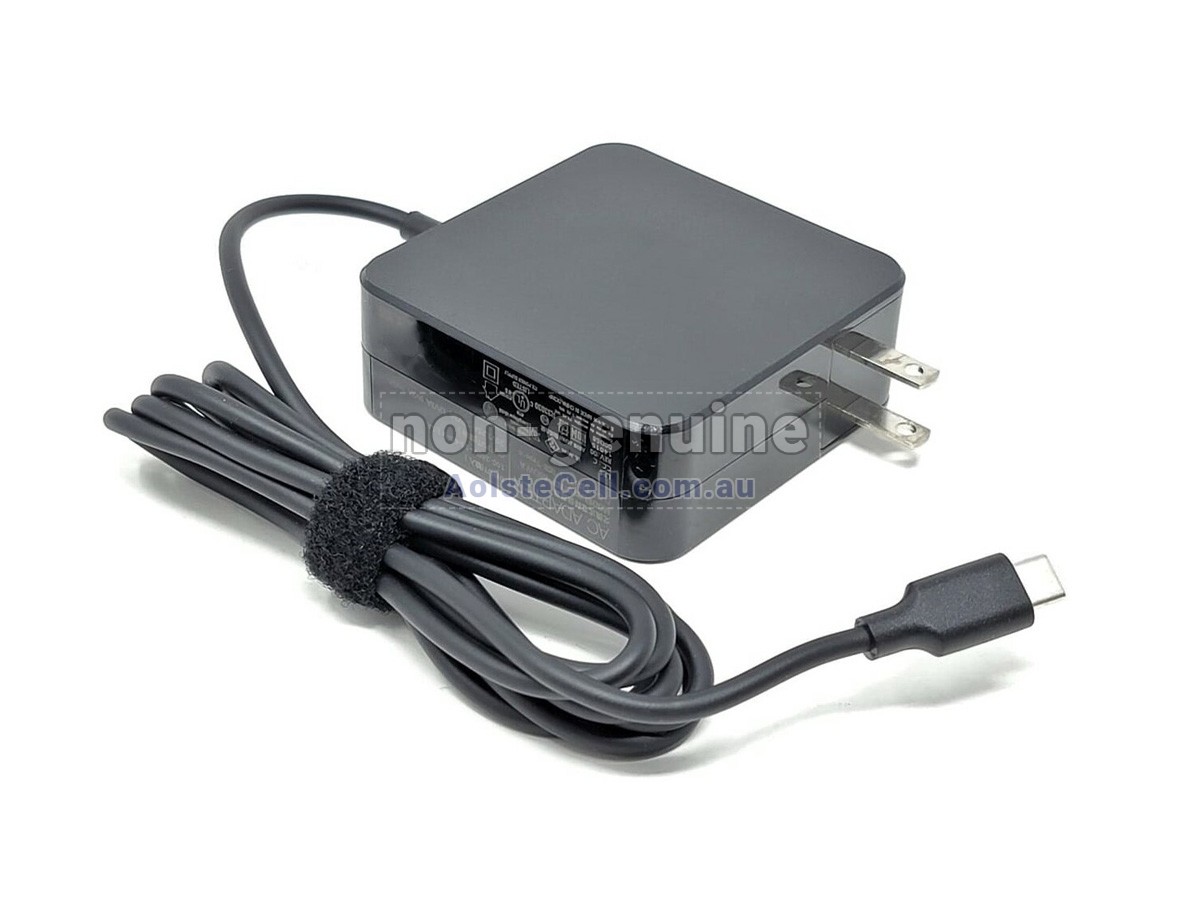
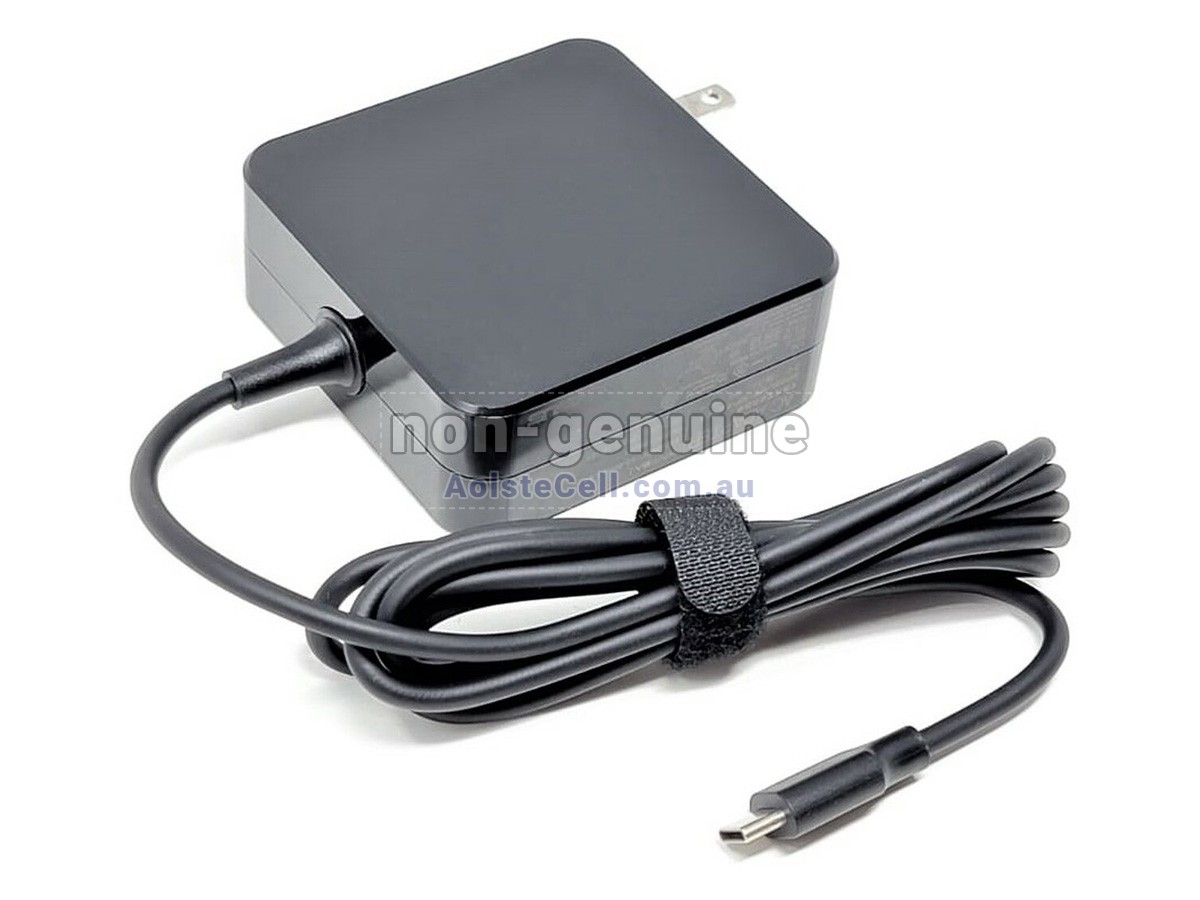
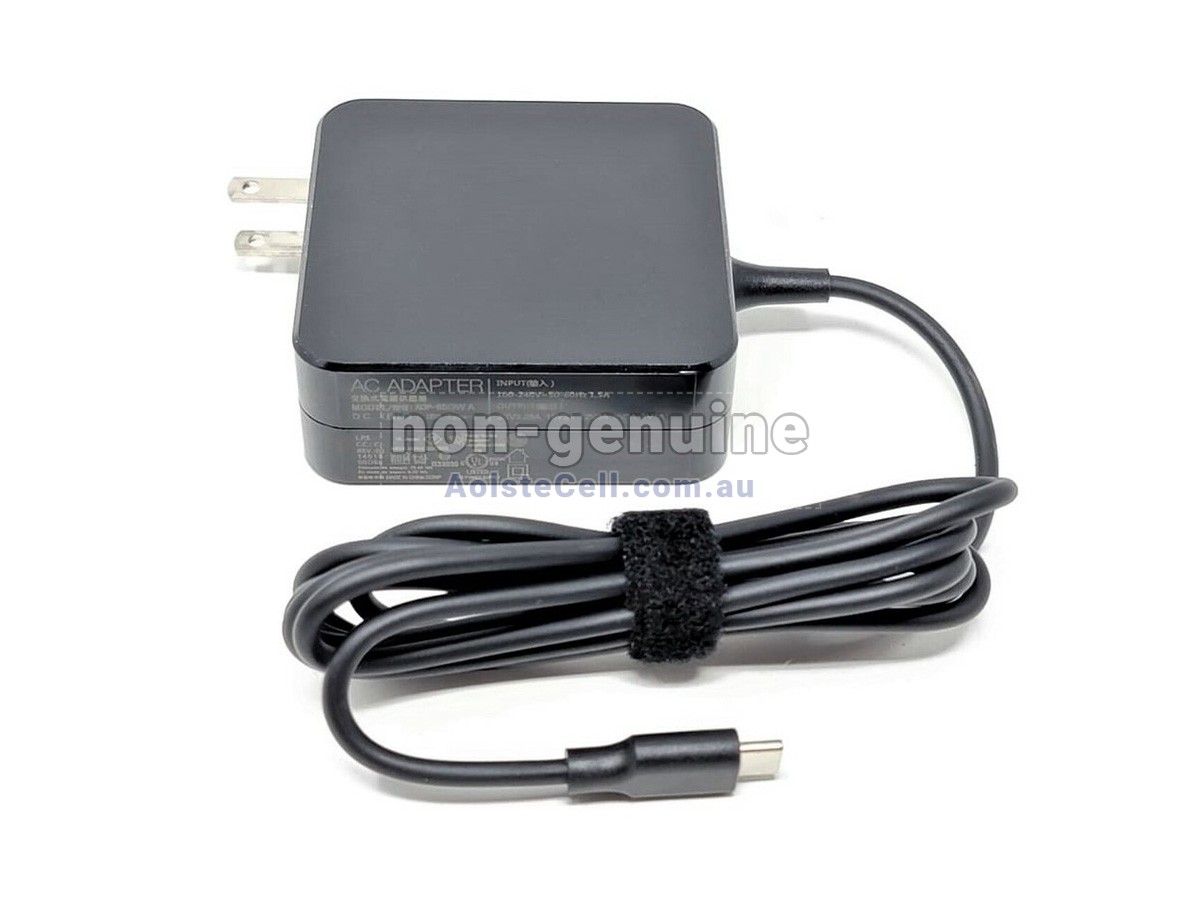
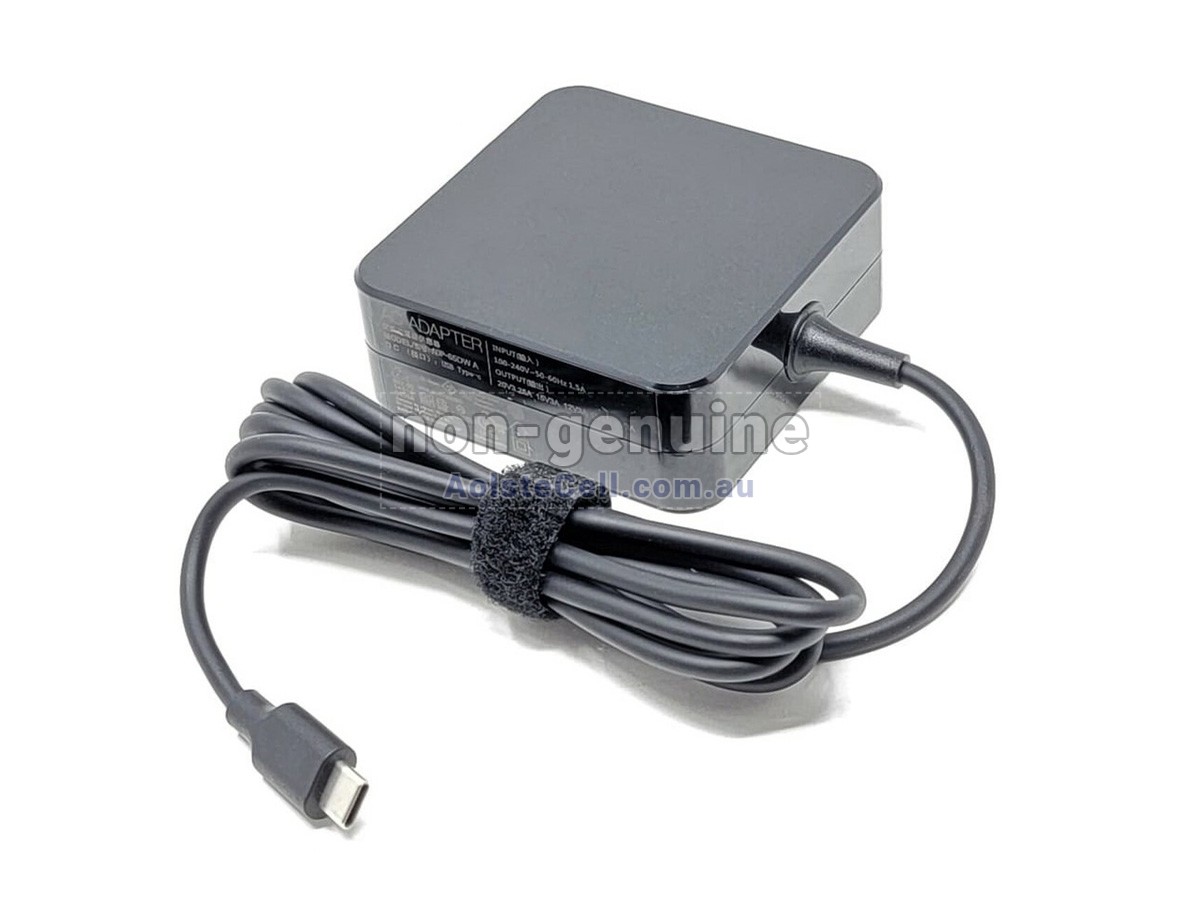
 This 65W USB Type-C Adapter is fully compatible with 65W/45W USB Type-C enabled laptops, covering models by Asus, Acer, Dell, HP, Huawei, Lenovo, Toshiba, Samsung, Vaio, Chuwi, Razer and XiaoMi .
- SKUAULAD189
- ConditionReplacement, Brand New
- Input100-240V~1.5A 50/60Hz
- Output20V-3.25A
- Power65W
- ConnectorUSB Type-C
- Warranty1 Year
- AvailabilityIn stock
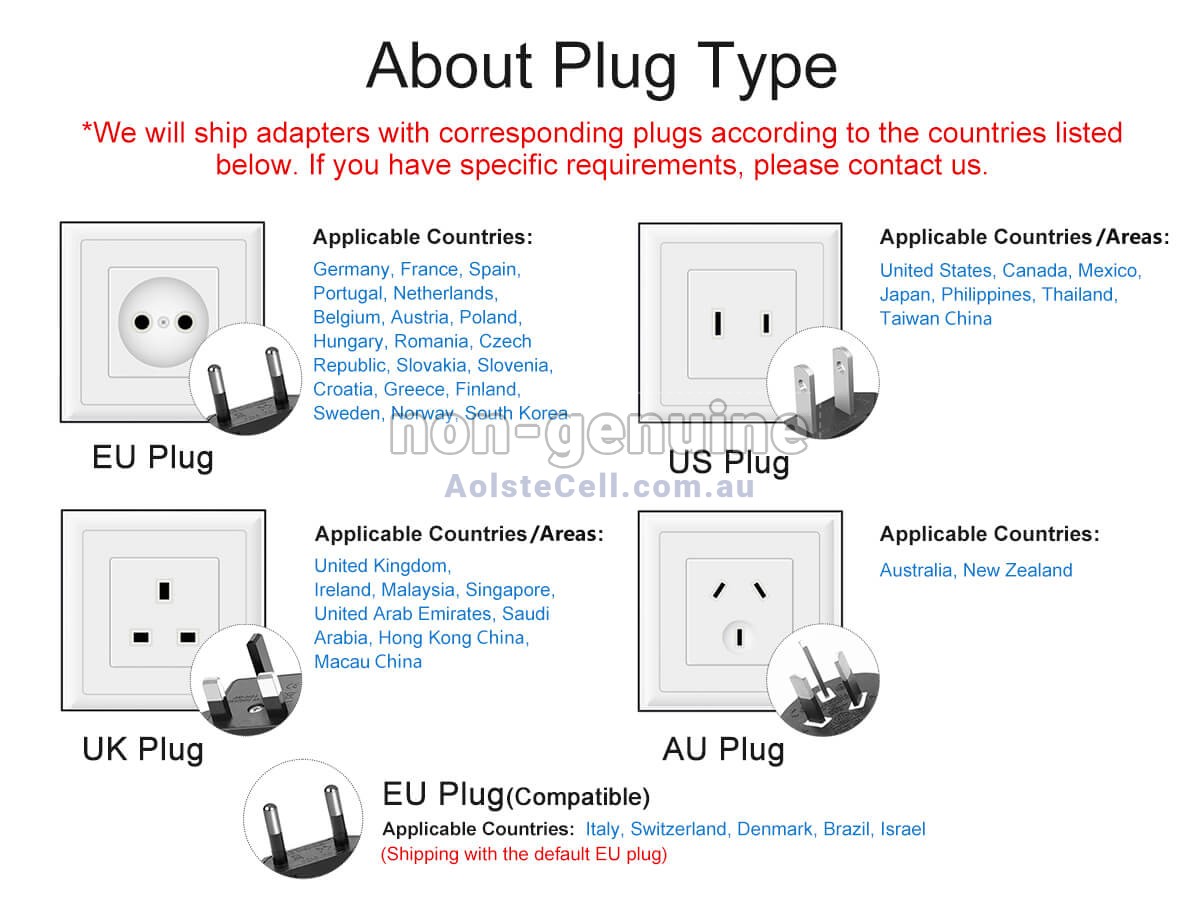
- Plug Type * AU Plug / EU Plug / UK Plug / US Plug are available, with the AU Plug being shipped by default. If you need a different specification, please specify it in the notes.
Product Features
Advanced Craftsmanship: Our Asus C204EE adapters are made from high-quality materials and advanced manufacturing processes. Each product undergoes strict quality control to ensure stable and efficient performance, compatibility with a variety of devices, and durability for long-term use.
Safety Assurance: Each C204EE adapter is equipped with safety features such as overload protection, overheat protection, and short circuit protection, strictly adhering to international safety standards. This ensures the most reliable protection for your device in various usage environments.
Worry-Free After-Sales: We offer a 1-year warranty for each adapter, with free repair and replacement services. Our customer support team is always available to provide timely technical assistance, ensuring your device stays in optimal condition.
- ESD PROTECTION
- OVER HEAT PROTECTION
- POWER PROTECTION
- CURRENT PROTECTION
- OVER CHARGE PROTECTION
- ELECTROMAGNETIC PROTECTION
- VOLTAGE PROTECTION
- OVER DISCHARGE PROTECTION
- SHORT PROTECTION
- INTELLIGENT PROTECTION
- CHARGING TIME PROTECTION
- CLASS A PROTECTION
Compatible Adapter Part Numbers
Not all models compatible with the Asus C204EE adapter are listed. If you are still unsure whether it is suitable for your laptop, please click on " Request Adapter Model" for help.
Compatible Device Models
All adapters sold on AolsteCell.com.au are replacement parts. AolsteCell.com.au is not affiliated with any of the original manufacturers. All trademarks or model names listed above are identified for compatibility purposes only.
Shipping Methods
Payment Methods
| We accept the following payment methods | |
|---|---|
| PayPal |
 Payments by PayPal, no PayPal account is required. PayPal is safe and free for buyers. |
| Credit or debit card |
 VISA, MasterCard, American Express, JCB, Diners Club, Maestro & Laser Card, etc. |
1. Paypal and AolsteCell.com.au both use encrypted servers to process associated payments, and your personal information will not be stored on our servers.
2. If you choose PayPal Express Checkout (instead of entering the delivery address on our website), please select the correct address when making your payment.
FAQ
For wall plug adapters, we will provide the AU Plug type by default. If you need a different type, please specify it in the order notes.
- Ensure Proper Ventilation: Adapters generate heat during use, so place them in a well-ventilated area and avoid covering them to prevent overheating.
- Avoid High Temperatures and Humidity: Keep adapters away from water sources, humid conditions, and high-temperature areas, like direct sunlight or near heaters, to prevent damage.
- Avoid Long-Term Full Load Use: If the adapter overheats frequently, try reducing its usage time or using a higher-powered adapter to avoid excessive wear.
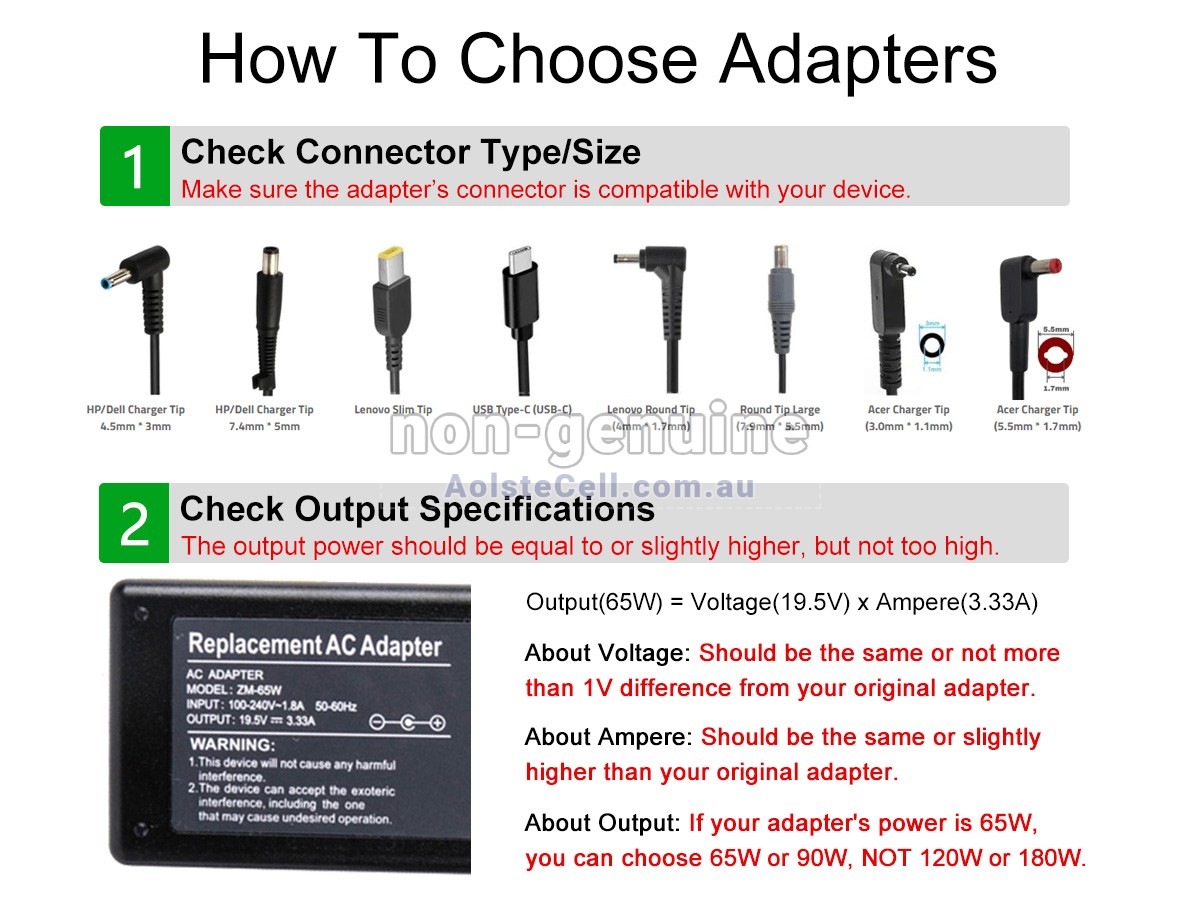
- Match the Voltage. The output voltage of the adapter should be exactly the same as the voltage required by the device. For example, if the device requires 5V, the adapter’s output must also be 5V.
- Meet the Current Requirement. Ensure that the adapter's output current is not lower than what the device needs. The adapter's current can be slightly higher than the device requirement but should not be lower; otherwise, it may fail to work properly or damage the adapter.
- Check the Power. The adapter's power (watts) should meet the device’s requirements. Power is calculated by multiplying voltage by current, so you can use this to check if the adapter is suitable for your device.
- Interface Compatibility. The adapter’s connector must match the power input port of the device. Even if the voltage and current are correct, an incompatible connector will prevent usage.
- Determine the Adapter Type. Confirm that the adapter type is suitable for the device, such as USB, round plug, or other specific connectors. The adapter type needs to be compatible with the device’s interface to work properly.